Best Digital Minimalism Tools and Apps (2026)
A curated list of apps, tools, and devices that help you use technology intentionally: from focus tools to relationship apps to hardware designed for calm.
Digital minimalism isn't about using less technology. It's about using technology that serves your values instead of hijacking your attention. For a deeper dive into the philosophy, see our guide on what calm technology means.
Cal Newport defined it as "a philosophy of technology use in which you focus your online time on a small number of carefully selected and optimized activities that strongly support things you value, and then happily miss out on everything else."
The emphasis is on carefully selected. Not zero technology, but intentional technology. Tools that help you do what matters and then get out of the way.
Here are the best tools in 2026 for people who want their technology to work for them, not on them.
Focus and Deep Work
Forest
Forest gamifies focus with a simple metaphor: plant a virtual tree when you start a focus session. If you leave the app to check social media, the tree dies. Over time, you grow a forest that represents your focused hours.
It's the rare productivity tool that uses gamification without becoming addictive. The visual progress is motivating without being demanding. The timer integration with Pomodoro-style sessions works well for knowledge workers.
People who need a gentle nudge to stay off their phone during work sessions.
The gamification might feel silly to some.
Freedom
Freedom blocks distracting websites and apps across all your devices simultaneously. You can schedule focus sessions in advance, create custom blocklists, and set up recurring sessions that activate automatically.
What separates Freedom from browser-level blockers: it works across devices and is deliberately difficult to override. The friction of unblocking is the feature.
People who need enforced boundaries because willpower alone doesn't work.
Monthly cost adds up. Can feel restrictive.
Cold Turkey
The most aggressive focus tool available. Cold Turkey can lock you out of specific apps, websites, or even your entire computer except for whitelisted applications. During a scheduled block, there is genuinely no way to override it.
It's not for everyone. But for people who know they'll disable softer blockers in moments of weakness, the inability to cheat is the point.
People who've tried gentler tools and need something they can't outsmart.
Can be frustrating if you need emergency access to blocked content.
Screen Time Awareness
one sec
one sec inserts a brief pause before opening distracting apps. Tap Instagram, and instead of the feed loading immediately, you get a deep breath prompt and a moment of friction. You can still open the app, but the interruption breaks the automatic habit loop.
A University of Berlin study found that one sec reduced social media usage by 57% among participants. The mechanism is simple: most app opens are unconscious. A one-second pause makes them conscious.
People who don't want to block social media entirely but want to use it intentionally.
Requires discipline to not just tap through the pause.
Opal
Opal provides detailed screen time analytics and session-based blocking. Its focus sessions let you choose which apps to allow, and the commitment mode makes the restriction difficult to break.
The analytics are where Opal stands out. It shows not just total screen time but patterns: when you pick up your phone most, which apps trigger cascading usage, and how your behavior changes over time.
People who want data-driven insights about their phone usage.
iOS only. Premium features require subscription.
Relationships and Connection
Kinu
Most digital minimalism tools help you reduce screen time. Kinu helps you redirect it toward something that matters: the people in your life.
It's a calm, private relationship companion that holds your inner circle: the 5-30 people you genuinely want to stay close to. Instead of a feed showing you what 800 acquaintances ate for lunch, Kinu shows you who you haven't connected with in a while, stores context about your relationships, and gives you space to reflect on what matters.
The philosophy aligns directly with digital minimalism: use technology to support what you value (real relationships), not to simulate it (social media feeds). Your data stays on your device by default, with optional encrypted sync.
Digital minimalists who want to replace social media's relationship function with something calmer.
Newer product, so the community is still small.
Slowly
Slowly recreates the pen pal experience digitally. Write letters that take time to "deliver" based on geographic distance. The intentional slowness changes how you communicate: longer, more thoughtful, more considered.
It's more about meeting new people than maintaining existing relationships, but the philosophy is deeply aligned with digital minimalism: slow down, go deeper, resist the urge for instant everything.
People who want meaningful new connections without the swiping of social apps.
Better for new connections than existing friendships.
Reading and Information
Readwise Reader
Reader consolidates newsletters, articles, PDFs, and highlights into one distraction-free reading environment. Instead of reading across twenty tabs with notifications competing for attention, everything lives in a calm, focused interface.
The highlight syncing feature is where it becomes valuable for knowledge work. Everything you highlight flows to Readwise, which uses spaced repetition to resurface important ideas over time. The knowledge compounds rather than disappearing into bookmark folders.
Heavy readers who want to consume information intentionally and retain what they read.
Learning curve for the full feature set.
Feedbin
In a world of algorithmic feeds, Feedbin is a throwback: a chronological RSS reader that shows you exactly what you've subscribed to, in order, with nothing else. No recommendations. No trending topics. No engagement algorithms.
You choose what to follow. It shows you those things. That's it. The simplicity is revolutionary in 2026. Your information diet becomes entirely self-directed rather than algorithm-directed.
People who want control over their information intake without algorithmic interference.
Requires effort to curate your feed sources.
Hardware
reMarkable
reMarkable is a digital paper tablet that does two things: read documents and take handwritten notes. No email. No browser. No apps. No notifications.
It's been certified by the Calm Tech Institute, one of the first devices to receive the designation. The paper-like display and deliberate limitation of features make it a genuine alternative to reading and note-taking on an iPad, without any of the temptation.
Heavy readers and note-takers who want a dedicated device without distractions.
Expensive. Limited to reading and writing.
Light Phone II
The Light Phone is a deliberately limited phone that makes calls, sends texts, and does almost nothing else. No social media. No email. No browser. It's designed to be your primary phone or a "going out" phone that lets you leave your smartphone at home.
The latest version adds a few intentional tools (maps, music, a calculator) but stops there. Everything about the design says: be present.
People ready to make their smartphone a secondary device.
Requires commitment to a dramatically different phone experience.
Putting Together a Digital Minimalism Stack
The point of this list isn't to download everything. That would be the opposite of minimalism.
Instead, think about which parts of your digital life need the most intervention:
If your problem is compulsive phone checking
one sec (for awareness) + Freedom (for enforcement)
If your problem is losing relationships to social media
Kinu (for intentional connection) + one sec (to reduce passive scrolling)
If your problem is information overload
Readwise Reader (for focused consumption) + Feedbin (for curated intake)
If your problem is everything
Start with one sec to understand your patterns, then add tools based on what the data reveals.
And if you're not ready to commit to new tools yet, consider quietly pulling back from social media first. Sometimes the best digital minimalism move is subtraction, not addition.
The meta-principle: each tool should solve one specific problem and require minimal ongoing attention. If the tools themselves become another source of digital clutter, they've failed their purpose.
Frequently Asked Questions
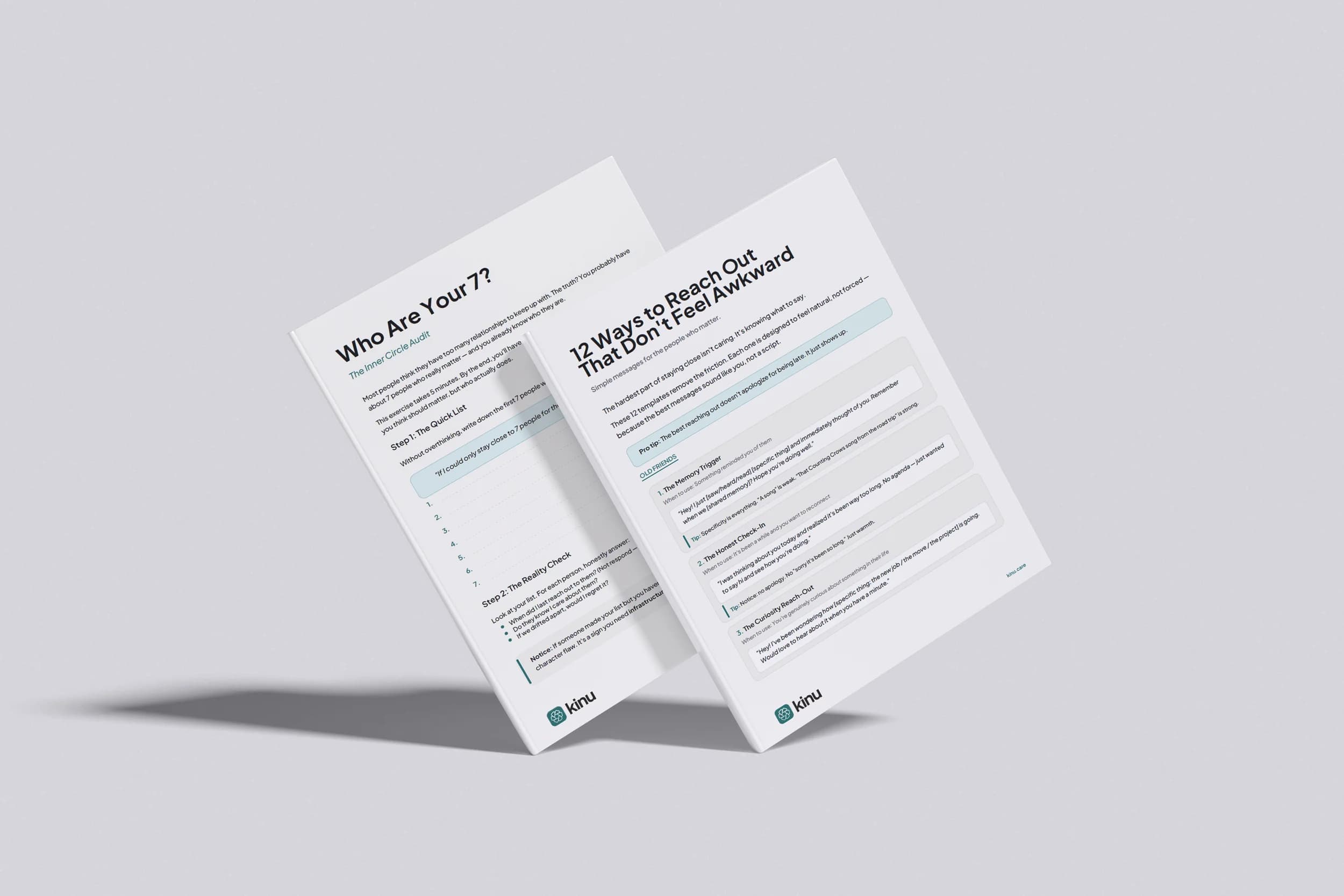
Free Reconnection Kit
Find your inner circle in five minutes.
A 5-minute exercise to find your inner circle and 12 reach-out templates that sound like you. Free, instant download.
Instant download. No spam. Unsubscribe anytime.
Keep reading
Quiet Quitting Social Media: How to Pull Back Without Disappearing
You don't have to dramatically delete everything. Here's how to quietly reduce your social media use while keeping the connections that actually matter.
How to Stop Doomscrolling (And What to Do With That Time Instead)
You know doomscrolling is bad for you. Here's why it's so hard to stop, what the research says about its effects, and practical replacements that stick.
Digital Minimalism for Relationships: Using Less Tech to Connect More
Digital minimalism isn't about quitting technology. It's about choosing tools that serve your relationships instead of exploiting your attention.