UpHabit Alternative in 2026: What to Use Now That the Apps Are Gone
UpHabit shut down its personal CRM apps on 9 April 2026. Export your contacts before you lose them, then here are the alternatives, ours included.
UpHabit is gone. On 9 April 2026 the team removed its personal CRM apps, and the iOS, macOS, and Android listings have since disappeared from the stores. If you are searching for an alternative, you are probably holding a phone with an app on it that can no longer be reinstalled.
Start here, before you read anything else.
Export your contacts today, and do not delete the app. UpHabit's own closure notice says the installed mobile apps keep working, and points you to Settings, then Export All Contacts. But the store listings no longer resolve, so getting UpHabit back onto a new phone is not something to count on. Treat the export as a window that closes when the app leaves your device.
Here is what the team posted on uphabit.com:
Hi everyone, we've worked hard over the last 8+ years to build the world's best Personal CRM, and while we succeeded on a product level, it wasn't a commercial success so we've made the difficult decision to close down the web and mobile apps to reduce our costs.
That is a more candid sign-off than most shutdowns get, and it is worth sitting with for a second. Eight years. A product people liked. It still did not pay for itself.
For how the rest of the category is holding up, the personal CRM graveyard checks eleven apps by hand against primary sources. UpHabit is the only confirmed closure of 2026 in it so far.
Disclosure: Kinu is our product, so read the comparison below with that in mind. A competitor closing is not good news for anyone; it is the thing everyone in this category is quietly worried about.
First published in March 2026 as an UpHabit comparison; rewritten after UpHabit announced its closure, and re-verified against primary sources on 25 July 2026.
What actually happened to UpHabit
The shutdown was not sudden, and it was not really a pivot either. UpHabit spent years adding a business layer on top of the personal product rather than abandoning personal users.
The homepage tells the story. Through mid-2022 it read "the Personal CRM for thoughtful Super Connectors." By late 2022 it was "Relationship Selling to Increase Revenue," and by early 2023 "Enterprise Relationship Selling." By mid-2023 it had settled on "Personal CRM for Business," with Salesforce, Constant Contact, and Mailchimp integrations up front.
But a free personal tier survived all of it. As late as August 2025, UpHabit still listed a $0 plan covering ten relationships, alongside a $19.99 per month business plan. The Android app was still shipping updates in November 2025. This was a company trying to fund a consumer product with business revenue, and running out of road.
That distinction matters if you are choosing what to use next. UpHabit did not fail because it went enterprise. It went enterprise because the personal product could not pay for itself, and then it closed anyway.
Where UpHabit users are going
| UpHabit | Kinu (our app) | |
|---|---|---|
| Status | Dormant, apps removed Apr 2026 | Active, live since 2026 |
| Primary focus | Personal CRM, later with a business layer | Personal relationships |
| Last known pricing | Free to 10 relationships; $19.99/mo business | Free to 10 people; Plus $6.99/mo, $69.99/yr, $149.99 lifetime |
| Platforms | iOS, Android, Web, macOS (all delisted) | iOS, Android, Web |
| Data model | Cloud-based | Local-first, optional encrypted sync on Plus |
| Your data now | Export via Settings while the app is still installed | Export to JSON any time, free tier included |
What to use instead
We covered the wider field in our personal CRM vs relationship apps guide and the roundup of the best apps to stay in touch. These are the closest matches for someone coming from UpHabit.
Monica
Monica is open-source personal relationship software. You can self-host for full ownership or use the hosted version. If UpHabit closing taught you that someone else's server is a risk, self-hosting is the most direct answer to that worry.
People who want the shutdown problem solved permanently and can run a server.
Self-hosting is a real commitment. Web only, no native mobile app.
Dex
Dex is the closest hosted equivalent to UpHabit's full feature set. LinkedIn import, email integration, contact enrichment, conversation starters. If you liked UpHabit's structure and want it maintained, this is the nearest thing.
People who want UpHabit's feature depth and will pay for it.
There is no free tier, only a 7-day trial, and the CRM framing runs throughout.
Mesh (formerly Clay)
Clay was acquired by Automattic in June 2025 and rebranded to Mesh in March 2026. It builds rich profiles automatically from your email, calendar, and social accounts. Strongest option for professional networking, and the broad data access is the trade-off.
Professionals with large networks who want automation.
Requires broad access to your accounts for the automatic profiles.
Kinu
Kinu is ours, so treat this entry with the appropriate suspicion. It is the closest match to UpHabit's original promise: a private place for the little things about your people, with gentle reminders when it has been a while. No pipelines, no CRM vocabulary. Your data lives on your device, and you can export it to a JSON file on the free tier without asking us for anything.
People who wanted UpHabit's personal side and nothing else.
Newer and smaller than the others. Sync, web, and desktop are Plus features, not free.
For more comparisons, see our writeup on Fabriq alternatives.
Moving your relationships somewhere new
Export from UpHabit first
Open the app you still have installed, go to Settings, then Export All Contacts. Do this before anything else. Reinstalling on a new phone is not something to count on, so treat this file as your copy.
Start with your inner circle
Do not migrate every contact. Start small; the free tier covers ten, and you can add more if and when you need to.
Re-enter, do not re-import
Re-entering a person is quick: name, important dates, a couple of things you remember. Typing it out carries context that a CSV column never will.
Ask the export question first this time
Whatever you choose next, find the export button before you commit. If you cannot get your data out in a format you can read, you are one business decision away from this exact situation again.
The lesson worth taking from this
UpHabit ran for eight years and shipped a product its users liked. That was not enough. Personal relationship apps are a genuinely difficult business, and closure is a live possibility for any of us in this category, not a remote one.
So the useful question is not "which app will survive." Nobody can answer that, and anybody who tells you they can is selling. The useful question is what happens to your data when the answer turns out to be no.
Three things to check before you trust any of these with years of your life:
- Can you export? Not "request a copy in 30 days." A button, today, that gives you a file.
- Can you read the file? JSON or CSV you can open yourself. A proprietary archive is not portability.
- Does the app work without the company? If it needs a server for every screen, its lifespan is the company's lifespan. If the data lives on your device, a shutdown is an inconvenience rather than a loss.
Kinu answers those three the way we would want as users: export to JSON on the free tier, a file you can open in any text editor, and an app that reads and writes on your device without a server. That does not make us permanent. It makes us survivable, which is as much as any of us can promise.
Try Kinu
If UpHabit's original personal vision was what you wanted, Kinu is free for up to 10 people on iOS and Android. You add the people who matter, keep the little things about them, and Kinu brings them back when they matter.
For more on the ideas underneath it, see how to maintain friendships as an adult and why we built Kinu.
Frequently Asked Questions
Free Reconnection Kit
Find your inner circle in five minutes.
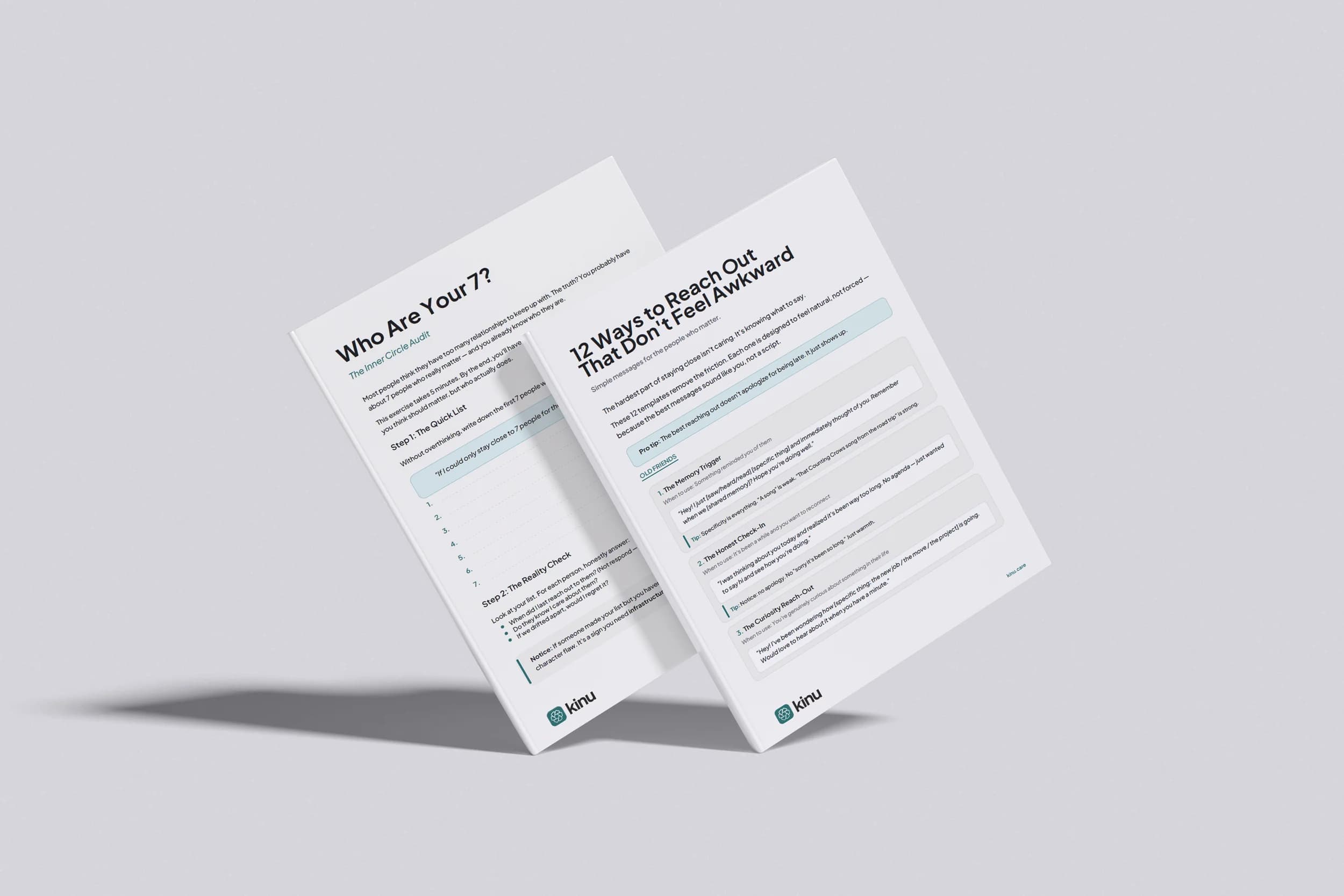
A 5-minute exercise to find your inner circle and 12 reach-out templates that sound like you. Free, instant download.
Instant download. No spam. Unsubscribe anytime.
Keep reading
Personal CRM for Friends and Family: The Lists Are Written by the Apps
Every roundup in this category is published by one of the apps in it, this one included. Here is the map, ordered by a rule you can check, with every price read from the product's own page.
The Personal CRM Graveyard: Which Apps Shut Down, and Which Only Look Dead
UpHabit shut down its apps in April 2026. We checked eleven personal CRM apps, including our own, against primary sources, and two of the three shutdown claims we tested turned out to be wrong, including one of ours.
Notion Personal CRM vs 23 Dedicated Apps
Building a Notion personal CRM? See what the template does well, where it hits a wall, and 23 dedicated apps built to remember the people you care about.